
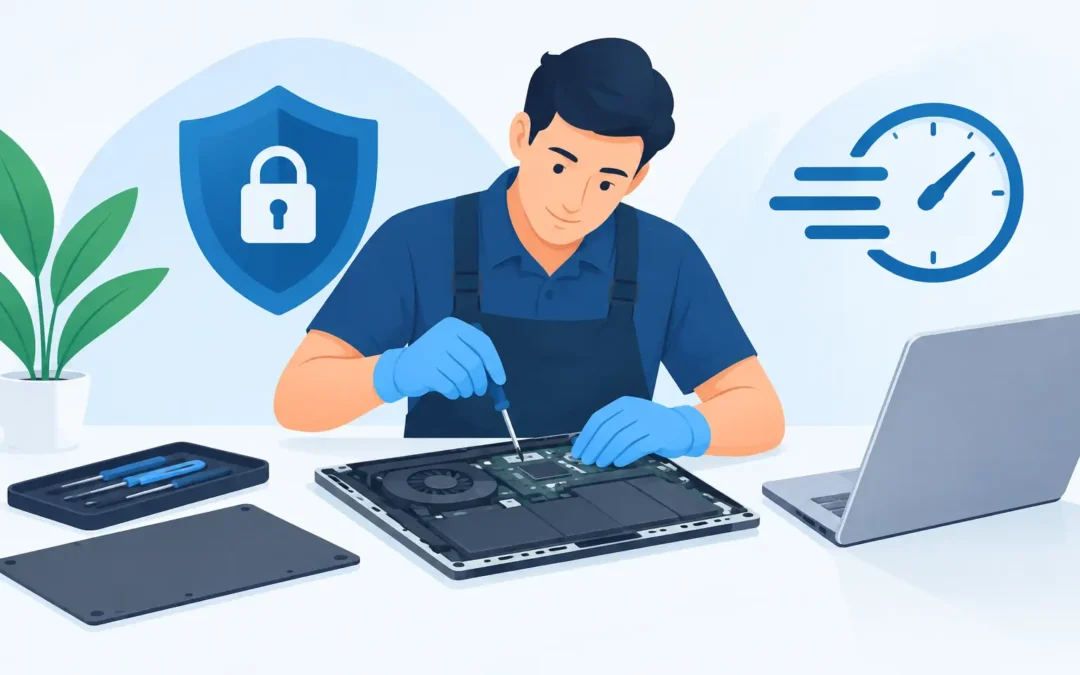
A cracked screen, failed charging port or laptop that will not start can stop work immediately. A laptop repair collection service removes one more problem from the day: finding time to travel across London with a device you rely on. Instead, your laptop is collected, assessed by an engineer and returned once the repair is complete.
For busy professionals, students, home users and small businesses, this is often the practical choice. The right collection service should still feel personal and accountable, not like sending an important device into a black hole. You should know what is being collected, what checks will take place, what repair is recommended and when you can expect the laptop back.
When laptop repair collection makes sense
Collection is especially useful when the laptop is unusable or difficult to transport safely. A machine with liquid damage should not be repeatedly powered on or carried around loose in a bag. A badly damaged screen, loose hinge or swollen battery also needs careful handling. In these cases, arranging a collection can prevent further damage while getting the device to an engineer quickly.
It is also a sensible option when time is the real issue. If your calendar is full, dropping a laptop at a repair shop may mean losing half a day. Collection and return allows the repair to fit around home life, office work and school runs. For businesses, it can reduce downtime without asking staff to leave site simply to arrange a repair.
That said, collection is not always the fastest solution. If several computers cannot access the internet, an office WiFi network has failed or a laptop problem is linked to your docking station, printer or broadband connection, an on-site visit may be more useful. An engineer can see the full setup and identify whether the fault is with the laptop or the wider network.
What happens during a laptop repair collection
A reliable process starts with clear information. Explain the fault in plain English: whether the laptop is not charging, running slowly, overheating, displaying error messages or making unusual noises. Mention any recent drop, spill, software update or power cut. These details help the engineer prepare for likely causes, although a proper diagnosis is still needed before anyone can promise a repair.
At collection, the device should be identified and recorded. For business equipment, this may include the user, asset tag and accessories received with the laptop. Do not send the charger unless it is needed to test a charging issue, and do not include loose items that are unrelated to the repair.
Once assessed, the technician can establish whether the fault is software, hardware or both. A laptop that will not switch on could have a failed battery, damaged charging socket, faulty power adaptor, motherboard issue or a problem with the operating system. Treating all no-power faults as the same problem leads to wasted time and unnecessary cost.
After diagnosis, you should receive a clear recommendation. This should set out the work required, likely parts, price and expected turnaround before the repair goes ahead. Some faults can be resolved the same day where parts and testing allow. Others, particularly motherboard repairs, specialist Apple work or devices requiring ordered parts, can take longer. A trustworthy service will explain the difference rather than offering unrealistic promises.
Preparing your laptop for collection
A little preparation protects your information and helps the repair move faster. If the laptop still works, back up essential files before it leaves your hands. Copy key documents, photographs and work folders to secure cloud storage or an external drive. Data recovery may be possible after a failure, but it is never something to rely on as a substitute for a current backup.
Before collection, make a note of the laptop make, model and serial number, plus the symptoms you have noticed. Take photographs of any existing physical damage, particularly dents, broken casing or screen cracks. If the device belongs to a business, tell the repair provider whether it is managed by company IT, protected by encryption or connected to a work account.
You should also remove personal accessories such as USB drives, memory cards, SIM cards and dongles unless they are directly relevant to the fault. Keep your charger unless charging is the issue. If you need to provide a password for testing, agree how it will be handled and change it afterwards if you prefer. For many software and hardware checks, an engineer may need access to the user account, but they should only use that access to carry out the agreed work.
Do not factory reset a laptop before seeking help if you are concerned about your files. Resetting can make data recovery more difficult and may remove useful clues about the original fault. Likewise, if liquid has entered the machine, turn it off, disconnect power and avoid charging it. The sooner it is assessed, the better the chance of limiting corrosion and damage.
Common repairs that can be handled after collection
Most everyday laptop faults are well suited to a collection and return service. Screen replacement is common after accidental damage, while keyboard repairs can resolve missing keys, liquid-related faults and unresponsive typing. Battery replacement can restore portable working time, and charging-port repairs can address a loose connection or a laptop that only charges at a certain angle.
Performance issues need more investigation. A slow laptop may benefit from malware removal, storage replacement, memory upgrades or operating system repairs. However, the best fix depends on the age and specification of the machine. Spending money on an upgrade can make excellent sense for a well-built laptop with plenty of life left. On a very old device with several failing components, replacement may be the more cost-effective option.
Data recovery is another area where early action matters. If files have disappeared, the drive is clicking or the laptop will not load Windows or macOS, avoid repeated restart attempts. Continuing to use a failing drive can reduce the chance of recovering important data. A technician can assess the storage device and advise whether recovery is realistic before attempting wider repairs.
Laptop repair collection for London businesses
For a small business, one failed laptop can affect more than one person. A salesperson may lose access to customer information, a director may be unable to join meetings, or a team may be blocked from shared files and email. Collection helps get the affected device into repair without adding another task to an already stretched office team.
Businesses should provide the context around the fault. Let the technician know if the laptop uses Microsoft 365, BitLocker encryption, remote desktop tools, specialist accounting software or a company VPN. A repair is only complete when the user can work properly again, not simply when the laptop switches on.
Where multiple devices have similar faults, collection may reveal a larger issue. Repeated malware infections, failed batteries across an ageing fleet or laptops dropping off WiFi can point to a need for preventative IT support, network checks or a clearer replacement plan. Fixing the immediate fault still matters, but identifying the cause can prevent the next disruption.
Choose a collection service you can trust
Convenience should not mean losing visibility. Look for a repair provider that explains the diagnosis in clear language, confirms costs before proceeding and treats data privacy seriously. You should be able to ask whether genuine or compatible parts are being used, what testing will take place and whether the repair carries a guarantee.
A2z Computer Solutions provides collection, repair and return support for Windows laptops, Apple Macs and business devices across London, with same-day help available where practical. The aim is straightforward: get your equipment working again with as little disruption as possible.
If your laptop is failing, do not wait until a small fault becomes a complete loss. Arrange collection while the problem is contained, protect any important data you can still access, and give the engineer a clear picture of what happened. That gives your device the best chance of a fast, sensible repair and gets you back to work sooner.