
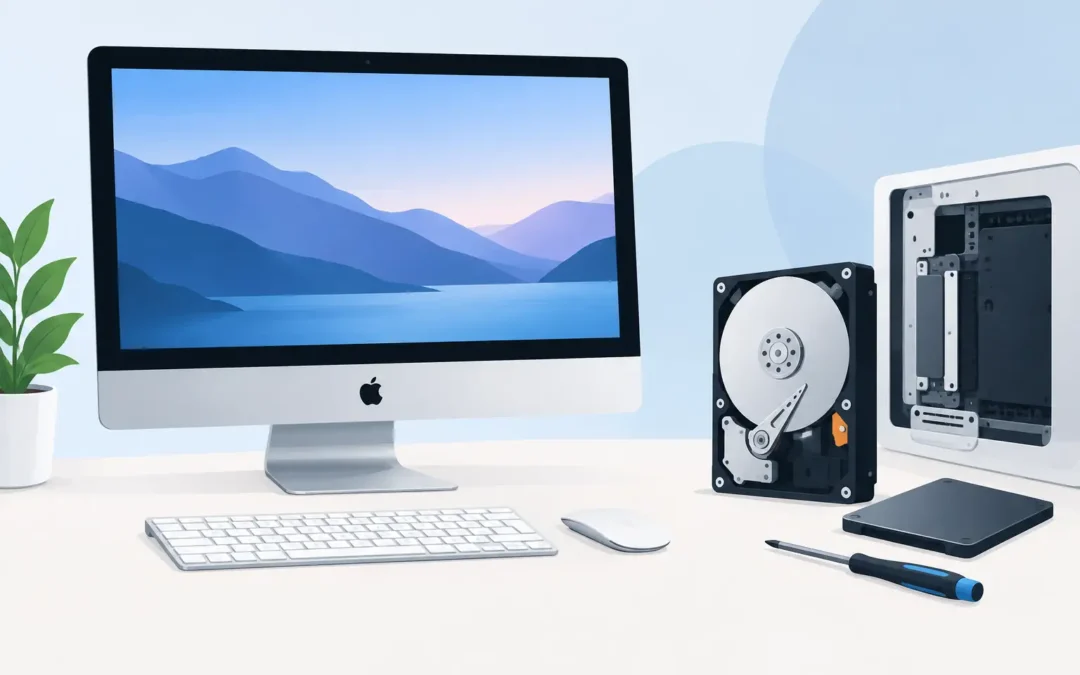
A slow iMac can turn a five-minute job into a frustrating wait. If the spinning beachball appears when opening files, the machine takes several minutes to start, or you hear clicking from inside the case, iMac hard drive replacement may be the right answer. For many older iMacs, replacing a failing mechanical hard drive with a solid-state drive can make the computer feel dramatically quicker. But the best repair depends on your exact model, the condition of your data and whether the Mac is still a sensible long-term investment.
When iMac hard drive replacement makes sense
Traditional hard drives use moving parts. After years of daily use, those parts can wear out, causing slow performance, file errors or complete failure. A drive that has become unreliable should not be ignored, particularly if it holds family photos, business documents or years of email.
Replacement is often worthwhile when the iMac still has a good screen, enough memory for its workload and a processor that meets your needs. A 27-inch iMac used for office work, schoolwork, home admin or light creative tasks can gain several more useful years with the right storage upgrade. The improvement is especially noticeable on models supplied with a standard hard drive or Fusion Drive.
A solid-state drive, usually called an SSD, has no moving parts. It is far faster at starting macOS, opening applications and loading large files. It is also quieter and generally more resilient to knocks than an older hard drive. For a home user, that can mean less waiting. For a London business, it can mean less lost time each morning and fewer interruptions during the day.
There are limits. If the iMac has severe graphics faults, repeated shutdowns, liquid damage or a very old processor that no longer supports the software you require, storage replacement alone may not offer good value. A proper diagnosis should identify the actual fault before any parts are fitted.
The warning signs of a failing iMac drive
Not every slow iMac has a failed drive. A nearly full disk, outdated macOS, too little RAM, browser extensions or background software can all affect performance. However, certain signs need prompt attention.
Repeated freezing, folders that take a long time to open, applications crashing while saving, and messages saying that a disk cannot be read are common warning signs. Clicking, grinding or repeated whirring noises from an iMac with a mechanical drive are more urgent. If the iMac cannot find its startup disk or displays a flashing folder with a question mark, it may no longer be able to start from its internal storage.
If you can still access your files, back them up immediately. Do not keep restarting a noisy or failing machine in the hope that it will improve. Each restart can place further strain on a damaged drive, and a straightforward data transfer can become a more involved data recovery job.
Hard drive, Fusion Drive or SSD?
The phrase hard drive replacement covers several different repairs. Older iMacs may contain a single SATA hard drive. Some models use a Fusion Drive, which combines a small flash storage section with a larger mechanical drive. Other iMacs have SSD storage already fitted, while newer Apple silicon models use integrated storage that cannot be upgraded in the usual way.
Where an upgrade is possible, an SSD is usually the best choice for speed and reliability. Capacity is the main trade-off. A large mechanical drive may offer several terabytes of space at a lower price, whereas a high-capacity SSD costs more. The right option depends on how much data you actively need on the iMac.
For someone who mostly uses web applications, Office documents and cloud storage, a modest SSD capacity may be enough. A photographer, video editor or business holding large local archives may need a larger internal SSD or a carefully planned combination of internal storage and external backup. Choosing the cheapest capacity without checking current usage can create another storage problem within months.
Fusion Drive repairs need particular care. The two parts of the drive arrangement must be assessed properly, and any replacement must be configured so macOS runs correctly. Simply fitting a new drive without checking the wider setup can leave a customer with missing data or a Mac that still performs poorly.
Why iMac storage repairs are not a simple DIY job
On many slim iMac models, the display is secured with specialist adhesive. Opening the machine requires the correct tools and a careful approach to avoid damage to the screen, cables and casing. The display then needs to be resealed correctly after the repair. Dust trapped behind the glass or a poorly fitted adhesive strip can spoil an otherwise successful job.
The internal layout also varies by year and screen size. A storage upgrade that is straightforward on one model may be impractical or impossible on another. Some 21.5-inch iMacs have components that are not designed for routine replacement, and modern 24-inch iMac storage is integrated with the logic board. Identifying the model before agreeing a repair prevents false expectations and unnecessary expense.
There is also the question of temperature management. Certain older iMac hard drives use model-specific temperature sensing arrangements. A replacement must be fitted and configured appropriately so cooling fans behave as they should. A Mac that runs with fans constantly at full speed is not a satisfactory repair.
What a professional replacement should include
A good iMac repair is more than swapping one drive for another. The engineer should first test the storage, check the health of the wider system and discuss your priorities: recovering files, improving speed, increasing capacity or all three.
Where the old drive remains readable, data can often be transferred to the new SSD. macOS can then be installed or restored, and the iMac tested for reliable startup, normal temperatures and everyday performance. If the drive has failed completely, the approach changes. Data recovery may be possible, but it depends on the nature of the failure and should be assessed before promises are made.
You should also be told clearly whether your existing software and user accounts can be retained. Some older applications may not work with a newer version of macOS, while a direct transfer may be preferable for customers who need their familiar settings and files ready to use.
Cost, downtime and deciding whether to repair
The cost of iMac hard drive replacement varies with the model, the chosen SSD capacity, the complexity of opening the machine and whether data recovery is required. A healthy drive that can be cloned is usually quicker to handle than a drive that has already failed. Larger SSDs cost more, but they can be worthwhile when the iMac is used for substantial photo, video or business files.
For a working iMac with a tired mechanical drive, an SSD upgrade is often one of the most cost-effective improvements available. It may be better value than replacing the whole computer, particularly if the screen size and overall performance still suit your work. On the other hand, if the machine is no longer compatible with essential software or has multiple expensive faults, putting the budget towards a replacement Mac may be more sensible.
A clear assessment should give you that choice rather than push a repair that does not fit your needs. Ask what storage size is being fitted, whether your files can be moved, what testing will take place and how long you will be without the iMac.
Protect your files before and after the repair
A replacement drive does not replace a backup plan. Once your iMac is working again, keep at least one separate copy of important files. Time Machine, an encrypted external drive and a trusted cloud service can work well together, depending on how much data you have and how sensitive it is.
Businesses should also consider who has access to files, whether backups are tested and how quickly staff could continue working after a device failure. Storage problems rarely arrive at a convenient time. A sensible backup routine turns a potential emergency into a manageable repair.
If your iMac is slow, making unusual noises or refusing to start, avoid taking chances with the data on it. A2z Computer Solutions can assess the fault, explain the practical options in plain English and help get your Mac back to dependable daily use.