
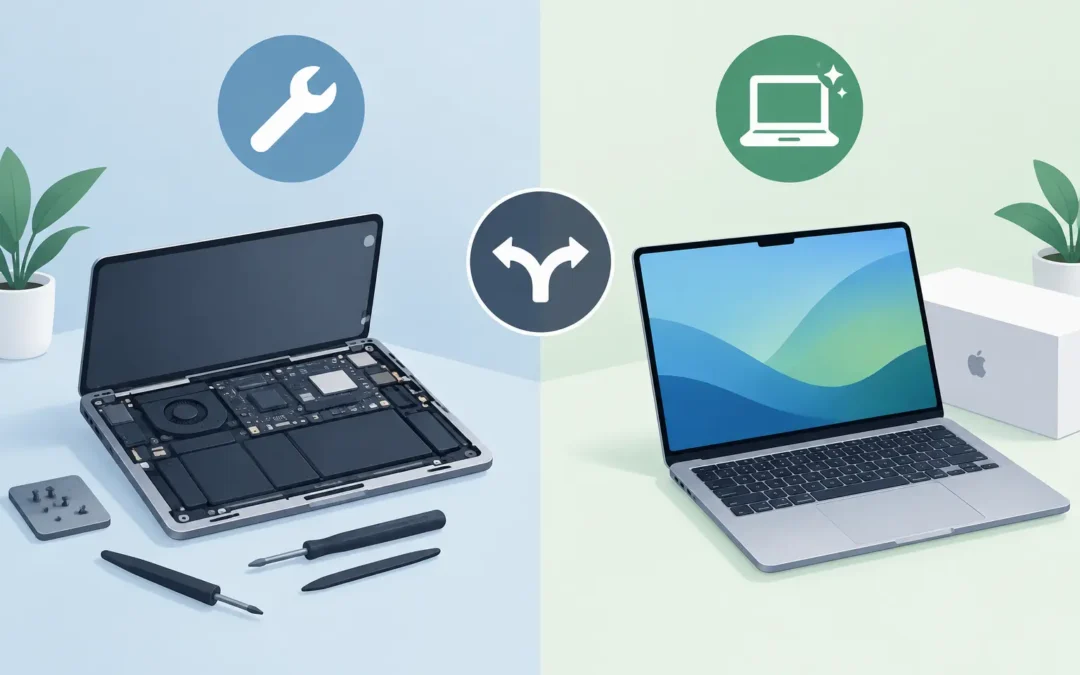
A cracked MacBook screen before a deadline, an iMac that will not start, or a battery that barely lasts through a meeting can make the Mac repair versus replacement decision feel urgent. Buying a new machine may seem like the quickest answer, but a targeted repair is often faster, less disruptive and considerably more affordable. The right choice depends on the fault, the age of your Mac, its current performance and how much you rely on the data stored on it.
For London households and businesses, the key is not simply asking whether a Mac is old. It is asking whether it still meets the job it needs to do once the fault is fixed.
Mac repair versus replacement: start with the fault
A single, repairable fault is usually a strong case for keeping your existing Mac. Screen damage, worn batteries, faulty keyboards, charging issues, liquid damage, failing fans and many startup faults can often be diagnosed and repaired without replacing the whole device. If the Mac was otherwise reliable and quick enough for your work, replacing it because of one component can be unnecessary expense.
A MacBook with a damaged display, for example, may look beyond saving after a drop. Yet if its processor, storage, logic board and battery are in good order, a screen repair can give it several more productive years. The same applies to an iMac with a failed hard drive. Replacing an older mechanical drive with suitable solid-state storage can dramatically improve startup times and everyday responsiveness, where the model allows it.
The decision changes when there are multiple major faults. A Mac with an unreliable logic board, poor battery health, repeated charging problems and very limited storage may cost more to restore than it is worth. This is particularly true when a repair does not address the wider reason the machine no longer suits you.
A proper diagnosis matters before you decide. What looks like a dead Mac could be a charging problem, a damaged cable, a software issue or a recoverable storage fault. Paying for a replacement before finding the actual cause can leave you spending far more than necessary.
Consider the age, but not age alone
Age is a useful guide, not a verdict. A well-maintained Mac from several years ago can still be an excellent work machine for browsing, emails, documents, video calls, bookkeeping and study. Conversely, a newer model with insufficient memory or storage may already be frustrating for demanding creative work.
Think about what has changed since you bought it. If your Mac has become slow because your workload has grown from emails and spreadsheets to large design files, video editing or development tools, a repair may solve the immediate fault but not the underlying capacity problem. Replacement is more likely to make sense in that situation.
Software support is another practical factor. Older Macs eventually stop receiving the latest macOS versions and security updates. That does not automatically mean they must be replaced tomorrow, but it is a concern for machines used for online banking, business accounts, customer records or sensitive files. A business relying on older unsupported Macs should weigh the risk and disruption of an eventual failure against a planned upgrade.
Apple silicon Macs have changed the calculation as well. Their performance and battery efficiency can make a newer Mac a worthwhile investment for people whose work is demanding or mobile. However, that does not make every Intel-based Mac obsolete. A repair can still be excellent value where the machine has the performance, software compatibility and ports you need.
Compare the whole cost, not just the repair quote
It is tempting to compare a repair quote with the headline price of a new Mac and stop there. The real cost of replacement is wider. You may need extra storage, adapters, new software licences, a replacement display or accessories that work with newer connections. There is also the time required to transfer files, sign back into accounts, configure email, restore applications and make sure everything works as it did before.
For a home user, this can mean a lost evening or weekend. For a small business, it can mean missed work, staff downtime and avoidable pressure on whoever manages the office technology. A fast repair that keeps a familiar Mac working can be the cheaper option even when the repair is not insignificant.
That said, do not keep paying for repeated repairs simply because a new Mac feels like a larger one-off decision. If problems return regularly, the total can mount up. A replacement becomes more sensible when the likely repair cost is high relative to the Mac’s current value, the device is no longer dependable, or the work required carries uncertainty because several parts may be affected.
Ask for a clear explanation of the fault, the parts involved and what the repair is expected to achieve. You should know whether the work restores the Mac to normal operation, improves only one issue, or is a sensible first step before considering replacement.
Performance should guide the decision
A repair will not turn every Mac into a new model. Before authorising work, be honest about the day-to-day experience. Does it start slowly but run well once open? Is it only struggling with certain applications? Or does it freeze, overheat and lag during basic tasks?
If the problem is a failing drive, low available storage, malware, an outdated operating system or a software conflict, repair and optimisation may produce a noticeable improvement. Clearing storage safely, resolving startup items and fixing system issues can be more cost-effective than replacing hardware.
If the Mac lacks enough memory for the applications you now use, the answer depends on the model. Many modern Macs have memory and storage integrated into the logic board, so upgrades are not always possible. In that case, repairing a separate fault may still be worthwhile, but you should not expect it to overcome a fundamental hardware limitation.
For businesses, performance is about more than speed. If an employee cannot join video calls reliably, access shared files or run essential software without delays, the cost is measured in lost working time. A planned replacement may be the better commercial decision, especially if it prevents a failure at a busy time.
Protect your data before anything else
Your documents, photographs, emails and business files may be more valuable than the Mac itself. Whether you repair or replace, make data protection the first priority. If the Mac still starts, create a current backup before handing it over or attempting a reset. Check that the backup has completed and that important files are present.
If the Mac will not start, do not assume the data has gone. Data recovery may be possible, depending on the fault and the storage type. Avoid repeatedly forcing it to boot, installing software at random or opening the device yourself if you are unsure. These actions can make a recoverable issue more complicated.
Replacement does not remove the need for careful handling. Migrating data to a new Mac is usually straightforward when the old machine is healthy, but a faulty device may need repair or recovery first. This is one reason a diagnostic appointment is useful: it can establish whether the priority is a repair, data recovery, a replacement setup, or a combination of all three.
When repair is the sensible choice
Repair is usually the practical route when your Mac has one defined fault, still runs the software you need and performs well enough for your normal workload. It is also a good option when you need your device back quickly and do not want the disruption of setting up a new one.
A repair can be especially sensible for a MacBook with a broken screen or battery problem, an iMac with a storage fault, or a Mac affected by software issues. It reduces waste too. Extending the life of a device that remains useful is a better outcome than replacing it prematurely.
When replacement is worth planning
Replacement is more likely to pay off when your Mac cannot run required software, has several expensive faults, receives no suitable security support, or is consistently too slow for work even after maintenance. It is also worth considering where the machine’s storage, memory or processor no longer matches your needs and cannot be upgraded.
Businesses should plan replacements before a device becomes critical and unreliable. Replacing one Mac on a controlled schedule is far easier than dealing with an unexpected failure during payroll, a client deadline or a busy trading day.
A2z Computer Solutions can assess MacBook and iMac faults, explain the realistic repair options and help with data recovery or setting up a replacement device when that is the better route. Apple-certified engineers can identify what has failed without burying you in jargon, while same-day support helps keep disruption to a minimum.
Before you buy a new Mac or write off the one you have, get the fault checked and ask what a repair would genuinely deliver. A clear diagnosis gives you the confidence to spend money where it will make the biggest difference.