
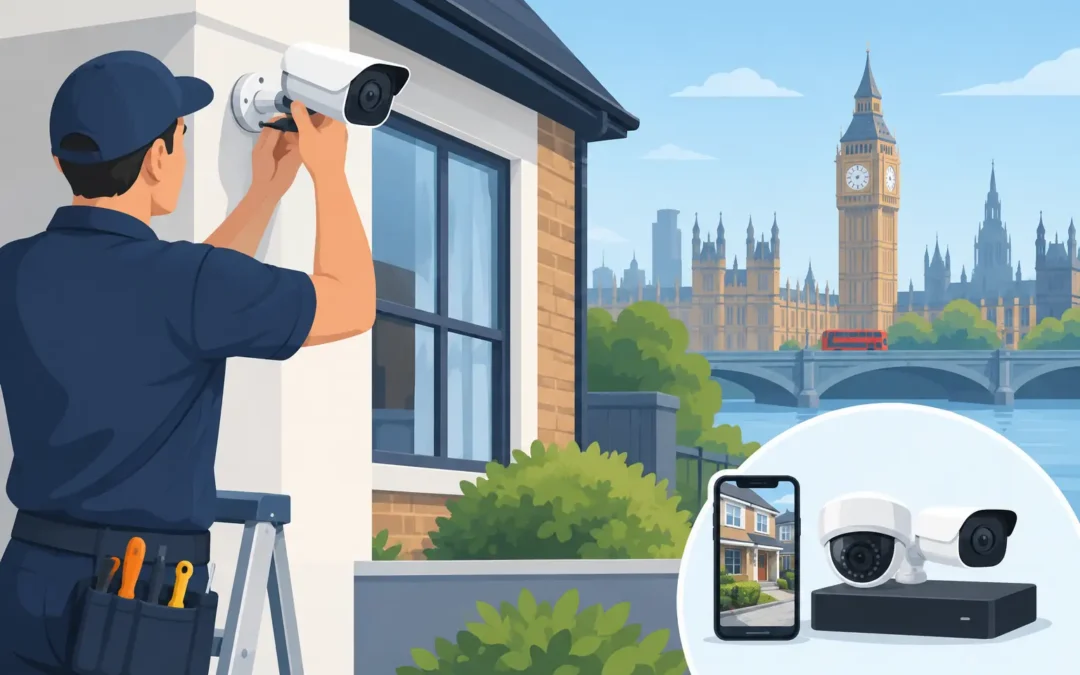
A camera above the front door can be useful. A badly positioned one can leave you with nothing but footage of passing cars, glare from a porch light and the one angle you actually need hidden behind a drainpipe. This home CCTV installation guide focuses on the practical decisions that make a system worthwhile: where to place cameras, how to power them, how to protect recordings and when a professional installation is the sensible option.
For London households, CCTV is often part of a wider security and connectivity setup. You may want to monitor a front entrance, side passage, garden gate, driveway or communal access point. The right answer depends on the layout of your property, available WiFi coverage and what you genuinely need the system to capture.
Start with what you need to see
Do not begin by choosing the camera with the biggest specification. Begin by identifying the areas where a camera would make a difference. For most homes, that means entrances and routes in or out of the property rather than trying to cover every inch of a garden.
Walk around the outside of your home in daylight and again after dark. Look for blind spots, poor lighting, overhanging trees, gates and places where an intruder could approach without being seen. Check the view from likely mounting points too. A camera fitted too high may show the top of someone’s head rather than a usable facial image. Fitted too low, it may be easy to interfere with.
A sensible starting plan usually covers the front door and main approach first. A side entrance, rear door or garden access may justify another camera if it is regularly used or particularly concealed. Flats and terraced homes need extra care: a camera should protect your entrance without unnecessarily recording a neighbour’s front door, windows or private garden.
Choose wired or wireless CCTV carefully
Wireless cameras are popular because they are quicker to fit and avoid visible cable runs. They can work well for a straightforward front-door view, especially where the router is nearby and the WiFi signal is reliable. However, wireless does not mean cable-free in every case. Many cameras still need a mains power supply, unless they use a battery or solar panel.
Battery cameras are flexible but have compromises. Frequent motion alerts, cold weather and poor signal can reduce battery life. They may also wake up a fraction too late to capture the beginning of an event. They are best for lower-traffic areas or temporary coverage, not always for a busy entrance where dependable continuous recording matters.
Wired systems take more planning, but they are generally the stronger long-term choice. Power over Ethernet, often called PoE, sends power and data through one network cable. This provides a stable connection, avoids dependence on WiFi at each camera and can support continuous recording to a network video recorder. It is particularly suitable for larger homes, detached properties and anyone wanting several cameras.
The trade-off is installation work. Cables need to be routed neatly and safely through walls, loft spaces or external trunking. Poor cable routing can look untidy, create water-entry risks or affect your home network. If drilling, ladder work or network configuration is involved, professional fitting can save a great deal of time and frustration.
Check these four things before buying
- The camera’s field of view and whether it captures faces at the distance you need.
- Night vision performance, including how nearby lights, reflective surfaces and headlights affect the image.
- Whether your broadband upload speed and WiFi signal can support live viewing and alerts.
- How and where recordings are stored: locally, on an NVR, on a memory card or through a subscription cloud service.
A high-resolution camera is useful, but it cannot fix poor positioning. A clear 1080p image at the right height and angle is more valuable than a 4K camera pointed across a dark street.
Camera placement that produces useful footage
Mount external cameras where they are sheltered from direct rain where possible, but do not place them so deep beneath an eave that the view is blocked. Aim for a height of around 2.5 to 3 metres in many domestic installations. This is high enough to discourage tampering while still giving a practical angle for identification. The exact height will vary with the lens, entrance layout and distance to the subject.
Avoid aiming a camera directly towards the sun or a bright security light. Strong backlighting turns people into silhouettes. If your front door is north or south facing, test the view at different times of day before fixing anything permanently. At night, infrared cameras can suffer from reflections off white walls, guttering, glass and cobwebs. A small adjustment in angle can make a major difference.
For driveways, capture the point where a person or vehicle enters rather than trying to see the full length of the road. For a garden, focus on gates, rear doors and access paths. A wide view may feel reassuring, but details become smaller as the camera covers more area.
Do not forget the practical route back to your recorder or router. The best camera location is not always the one that requires a cable across a ceiling, through several rooms and into a cupboard with no ventilation. Good installation balances coverage, appearance, access for maintenance and a secure cable route.
Plan power, WiFi and recording before fitting
A CCTV system is only as reliable as the connection and power behind it. Before installation, test the WiFi signal at each proposed camera location with a phone. If the signal is weak or drops out, the camera will be unreliable too. A mesh WiFi system, wired access point or network cable may be needed before adding cameras.
For wired CCTV, place the recorder somewhere secure, dry and ventilated. It should not be in an obvious location where it could easily be removed. If the system uses an NVR with a hard drive, choose storage capacity based on the number of cameras, recording quality and whether you record continuously or only on motion. Continuous recording gives the most complete record but uses more space. Motion recording saves storage, although badly configured sensitivity can create hundreds of alerts from rain, pets or passing traffic.
Set up remote viewing with care. Use a unique, strong password for the CCTV account and your home WiFi. Turn on two-factor authentication if the manufacturer provides it, keep the camera firmware updated and remove old users when they no longer need access. Never leave default passwords in place.
A small uninterruptible power supply can be worth considering for a wired recorder and router. It will not run a system indefinitely, but it can keep it online through short power cuts and prevent abrupt shutdowns.
Privacy and CCTV rules for homes
Home CCTV should protect your property without becoming a source of conflict. In the UK, cameras covering only your own home and garden are usually straightforward. If they capture a public pavement, road or neighbouring property, data protection responsibilities may apply. The Information Commissioner’s Office provides guidance for domestic users, and it is worth checking before installation.
Keep the camera view as limited as practical. Privacy masking can block parts of the image, such as a neighbour’s window or garden. Put up a clear sign if cameras cover areas beyond your boundary. Be cautious with audio recording too: it is often more intrusive than video and rarely necessary for a home security setup.
If you live in a leasehold flat, conservation area or managed development, also check whether there are building rules about drilling, external equipment or changes to communal areas. A quick check before fitting can prevent an avoidable dispute later.
Set alerts for real life, not constant interruption
The goal is not to receive a notification every time a fox crosses the garden. It is to know when something relevant happens. Once cameras are installed, spend time adjusting motion zones, activity schedules and sensitivity. Exclude busy pavements, trees that move in the wind and roads where headlights trigger detection.
People and vehicle detection can be more useful than basic motion alerts, although performance varies by camera and lighting conditions. Test alerts during the day and at night. Ask someone to approach from different directions, stand at the door and walk through the gate. Then review the footage on both your phone and the recorder.
Check that the date and time are correct, that recordings can be played back easily and that important clips can be saved when needed. It is far better to find a setup problem during testing than after an incident.
When to book a CCTV engineer
DIY installation suits a simple, accessible setup where you are confident with mounting, apps and home WiFi. It becomes less straightforward when cameras need network cabling, PoE switching, loft or external cable routes, difficult access, multiple buildings or integration with an existing alarm and network.
A professional installer can assess the property, position cameras for usable identification, hide and protect cabling, configure secure remote access and make sure the system is tested properly. For homes and small businesses where poor WiFi is already causing trouble, it often makes sense to resolve the network issue at the same time rather than fitting cameras onto an unreliable connection.
A2z Computer Solutions provides practical CCTV and network support across London, including on-site help when you need the job completed without the guesswork. The best system is not necessarily the most expensive one. It is the one that records the right area clearly, stays connected and gives you useful evidence when it matters.