
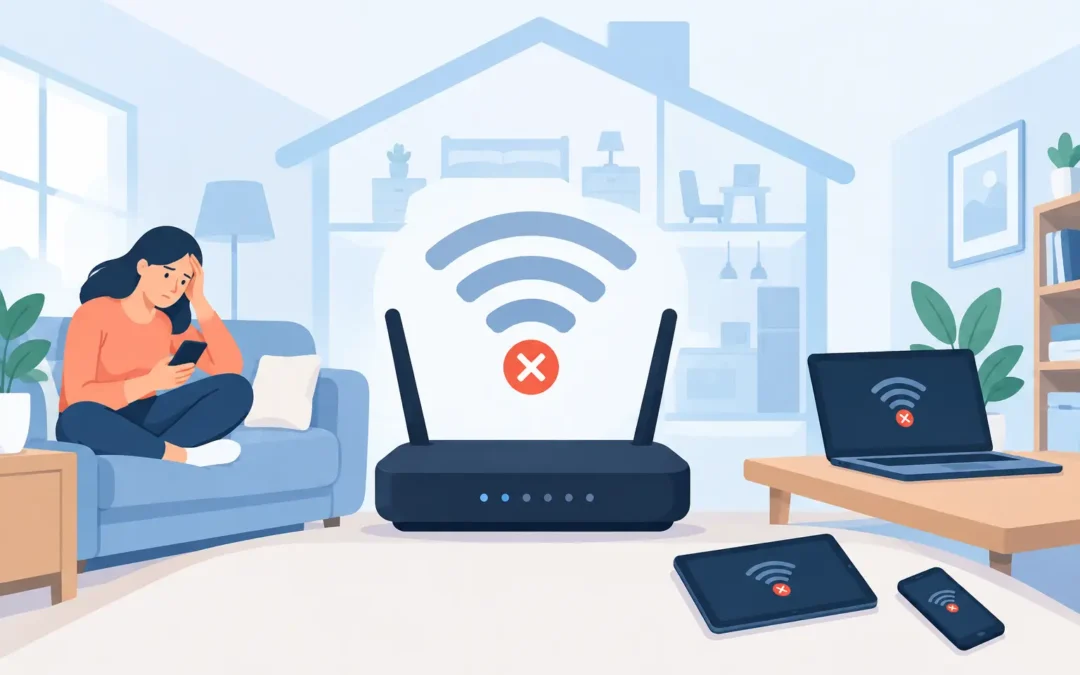
A video call freezes just as you need to speak. The smart TV buffers in the evening. Your laptop works perfectly in the kitchen but loses connection upstairs. WiFi problems in the house are rarely random, and buying a more expensive broadband package will not always fix them. The cause may be your router’s position, interference from nearby networks, an overloaded connection, ageing equipment or a fault with the broadband line itself.
The good news is that most home WiFi issues can be narrowed down quickly. Start by identifying whether the problem affects every device, one room or one particular computer. That tells you far more than repeatedly restarting the router.
Start by working out what has actually failed
People often use “WiFi” to describe any internet problem, but WiFi and broadband are not the same thing. WiFi is the wireless connection between your device and the router. Broadband is the connection from that router to your provider. A fault in either can look very similar at first.
If every device in the property is offline, check the router lights and try connecting a laptop to it with an Ethernet cable. If a wired connection also has no internet access, the issue is more likely to be the broadband service, router or line. Check for a provider outage, inspect any loose cables and restart the router once by switching it off for around 30 seconds.
If wired internet works but phones, tablets and laptops cannot stay connected wirelessly, focus on the WiFi setup. If only one device is affected, the fault may sit with that device’s network settings, wireless adapter, operating system or security software instead.
Common WiFi problems in the house and their real causes
A router can show full signal strength while the internet is still slow. Equally, a fast broadband line can be wasted if the signal cannot reach the room where you work. These are the issues we see most often in London homes and small offices.
The router is in the wrong place
A router tucked inside a TV unit, behind a television or on the floor is working harder than it needs to. Walls, ceilings, mirrors, metal furniture and appliances can weaken or disrupt the signal. Older properties with solid internal walls can be particularly challenging, while large homes may need more than one wireless access point.
Place the router in a central, open and raised position where possible. Keep it away from thick walls, cordless-phone bases, baby monitors and large electrical devices. Moving it only a metre or two can make a noticeable difference.
Your home is using a crowded wireless channel
In flats and densely populated streets, your router competes with dozens of nearby networks. This is especially common on the 2.4 GHz band, which travels further but is more prone to interference. The 5 GHz band is often faster and less congested, although its range through walls is shorter.
Most modern routers can select a channel automatically, but they do not always make the best choice. Reviewing the router settings or using a WiFi analyser can reveal channel congestion. It is a useful adjustment, but it will not solve a weak-signal problem caused by distance or thick walls.
Too many devices are competing at once
A busy household can have phones, laptops, games consoles, smart speakers, cameras, thermostats and TVs all connected at the same time. Add video meetings, online gaming, cloud backups and 4K streaming, and an older router may struggle to manage the demand.
Try pausing large downloads and backups while testing the connection. If performance improves, the broadband speed may be adequate but the router is overloaded or lacks modern capacity. A newer WiFi 6 router or a properly designed mesh system can help, but the right choice depends on the property layout and the number of active devices.
The range is poor in one or two rooms
A signal problem in the loft bedroom or garden office is not always solved by a cheap plug-in extender. Extenders can be useful for a small dead spot, but they repeat an already weakened signal and can reduce available speed. They are not the best answer for a large home, multiple floors or a home office that needs stable video calls.
A mesh WiFi system uses multiple units to spread coverage more effectively. For the most reliable result, access points can be connected by Ethernet cabling rather than relying solely on wireless backhaul. That is often the better option for businesses, garden rooms and properties where reliability matters more than a quick fix.
The router or broadband equipment is old
Internet providers commonly supply basic routers designed to get a connection running, not necessarily to cover every corner of a busy property. Equipment that is several years old may have limited wireless standards, fewer antennas and less ability to handle many devices.
Before replacing anything, check whether the router firmware is current and whether it is overheating. If the router regularly drops connection, feels unusually hot or needs frequent reboots, replacement may be sensible. Do not assume the newest or most expensive router is automatically right, though. Compatibility with your broadband type, home size and existing equipment matters.
A device has its own connection issue
When everyone else is online but one laptop keeps disconnecting, look at the laptop first. Forgetting and rejoining the network, restarting the device and installing operating system updates may resolve the issue. On Windows PCs, a damaged or outdated wireless driver is a common cause. On Macs, saved network settings, software updates or security configuration can sometimes be responsible.
Avoid repeatedly changing every router setting when the evidence points to a single device. A careful diagnosis saves time and prevents new problems being introduced.
Practical checks before booking WiFi support
Start with a simple test in the same room as the router, then repeat it in the room where the issue is most noticeable. Test at different times of day. A connection that slows only in the evening may point to household usage, local network congestion or a provider issue rather than poor wireless coverage.
Restart the router once, not several times in succession. Check that cables are firmly connected and that the router has airflow. Disconnect unused devices temporarily and see whether your key devices become more reliable. If you have separate network names for 2.4 GHz and 5 GHz, test both bands from the affected room.
For home workers, use Ethernet where practical for a desktop PC, docking station, games console or fixed office setup. A cable is still the most stable option for devices that handle important calls, large uploads or competitive gaming. It also helps confirm whether the fault is WiFi coverage or the internet service itself.
When DIY fixes are not enough
It is time to bring in an engineer when the problem keeps returning, the router disconnects several times a day, or coverage is poor across key rooms despite sensible repositioning. The same applies if you have a garden office, CCTV cameras, a smart-home setup or business devices that need dependable access.
A proper visit should not begin and end with swapping a router. The engineer should test broadband performance, inspect placement, assess interference and coverage, check connected devices, and recommend whether a router upgrade, mesh system, Ethernet cabling or provider escalation is appropriate. The best fix is the one that addresses the actual bottleneck, not the one with the biggest box.
For London households and small businesses, A2z Computer Solutions can diagnose WiFi and broadband faults on site, helping you get a stable connection without unnecessary technical jargon or delay. Whether the issue is a weak upstairs signal, an unreliable work laptop or a network that cannot keep up with the whole household, getting the cause identified properly is the fastest route back to a connection you can trust.
A reliable WiFi setup should fade into the background while you work, study, stream and stay in touch. If yours keeps demanding attention, treat it as a fixable network issue rather than something you simply have to put up with.