
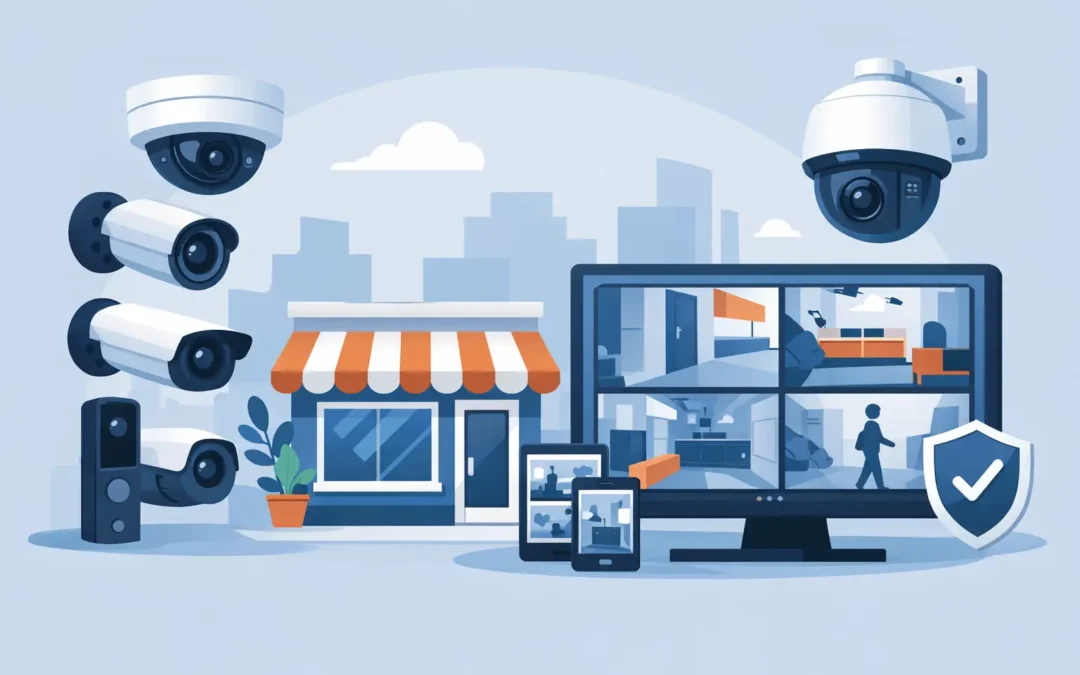
A break-in, disputed delivery or unexplained stock loss can cost a small business far more than the value of the item involved. The best CCTV systems for small business give you clear evidence, a live view of your premises and a practical deterrent, without creating another piece of technology that needs constant attention. For most London offices, shops, salons, warehouses and workshops, the right answer is not the most expensive kit. It is a system designed around the building, the risks and the people using it.
What makes a CCTV system right for a small business?
A good business CCTV setup should produce usable footage when it matters. That sounds obvious, but a cheap camera pointed at a doorway can still fail to identify a face, registration plate or delivery label if the image is poor, the lighting changes or the camera is mounted in the wrong place.
Start with the question: what do you need to see? A reception camera may need a wide view of visitors. A camera covering a till needs enough detail to review transactions. External cameras need to cope with darkness, rain and headlights, while a warehouse camera may need to cover a long aisle rather than a wide room.
For most small businesses, the priority features are 4K or high-resolution video, reliable night vision, motion alerts, secure recording and remote viewing on a phone or computer. A system also needs enough storage to retain footage for a sensible period. Seven days may be sufficient for a low-risk office, but a busy retail premises often benefits from 14 to 30 days, depending on the number of cameras and recording quality.
The best CCTV systems for small business by setup
1. Wired PoE CCTV systems for dependable coverage
Power over Ethernet, usually called PoE, is the best all-round choice for businesses that want a dependable, professional installation. Each camera connects back to a network video recorder, or NVR, with a single network cable. That cable provides both power and data, so there are no batteries to change and no separate plug sockets needed at every camera position.
PoE systems are particularly well suited to shops, offices, restaurants, clinics and warehouses. They support several cameras, continuous recording and stable high-quality video. If your broadband drops out, footage can still record locally to the NVR, which is a major advantage over cloud-only cameras.
The trade-off is installation. Cabling needs to be planned and fitted neatly, especially in occupied offices or listed buildings. However, a properly installed wired system is usually the better long-term investment than adding several wireless cameras over time.
2. Wireless CCTV for smaller or difficult sites
Wireless cameras can work well in a small office, temporary workspace or premises where running cable is impractical. They connect through WiFi and may record to a memory card, a base station or cloud storage. They are quick to deploy and can be useful for adding coverage to a location that has no nearby network cable.
The limitation is that WiFi is only as good as the signal at the camera. Thick walls, metal shelving, neighbouring networks and distance from the router can all affect connection quality. Battery-powered models add another task: checking charge levels before an incident occurs.
Wireless CCTV is best treated as a flexible solution, not an automatic replacement for wired cameras. If you are relying on footage for security, staff safety or insurance evidence, test the WiFi signal and recording quality in the exact place the camera will sit.
3. Smart camera systems for alerts and easy monitoring
Smart cameras use people, vehicle or motion detection to send more useful notifications. Rather than receiving an alert whenever a tree moves or a light changes, you can set rules for activity near a door, gate or stock area. Some models offer two-way audio, built-in alarms and colour night vision.
These features are helpful for owners who regularly work away from the premises, but alerts need careful setup. Too many notifications quickly lead to people ignoring them. A well-configured system should alert the right person about the right activity, not interrupt their day for every passer-by.
Smart features should support physical security, not replace it. A camera can record an intruder, but good locks, lighting, alarm systems and access control remain essential.
4. Commercial IP CCTV for growing businesses
IP CCTV systems are network-based cameras that offer more flexibility than older analogue setups. They are a strong option for businesses with multiple rooms, larger premises or plans to expand. You can add cameras, provide controlled remote access and integrate the system with existing IT infrastructure.
This is where camera placement and network design matter most. Several high-resolution cameras can place a load on an ageing network, particularly if the same connection supports video calls, cloud backups and point-of-sale equipment. A separate CCTV network or correctly configured network switch helps protect performance and keeps security devices organised.
Seven features worth paying for
Not every specification on a camera box will make a real difference. These are the features that usually justify the spend:
- Resolution that matches the task. 4K offers excellent detail, but it uses more storage. A quality 4MP or 5MP camera may be ideal for general indoor coverage, while 4K is useful at entrances, tills and vehicle access points.
- Strong low-light performance. Look for infrared night vision or colour night vision. Check the claimed range against the actual size of the area, not just the number on the specification sheet.
- An NVR with enough hard-drive capacity. Continuous recording gives the most complete record. Motion recording saves space, but can miss the moments immediately before activity is detected.
- Remote access with proper security. Use strong, unique passwords and two-factor authentication where available. Do not leave factory passwords in place.
- Weather-rated external cameras. Outdoor units should have an appropriate IP rating and be mounted where they are less exposed to damage, glare and direct rain.
- A visible monitor or secure mobile app. Managers should be able to review footage quickly without needing specialist knowledge.
- Professional installation and support. The camera itself is only one part of the system. Cabling, positioning, recorder setup and aftercare determine whether it works when needed.
Camera placement matters more than camera quantity
Small businesses often buy too many cameras for general coverage and too few for key points of risk. Start with entrances and exits, reception or customer areas, tills, stock rooms, loading areas and the external perimeter. Avoid placing a camera so high that every person becomes a blurred shape, or so wide that detail disappears across the frame.
Use overlapping coverage where possible. For example, one camera should show a person entering through a main door, while another captures their route towards a till or stock area. This gives clearer context if footage is later reviewed.
Consider lighting at different times of day. A camera facing a bright window may struggle to capture faces indoors. An external camera aimed directly at a streetlight or vehicle headlights may produce glare. An on-site survey is the sensible way to resolve these issues before holes are drilled and cables are run.
Storage, cloud recording and backup options
Local NVR storage is generally the most practical option for a business with several cameras. There are no mandatory monthly fees, recording can continue during an internet outage and footage stays on equipment at your premises. The risk is that a recorder can be damaged or stolen during a serious incident.
Cloud recording provides an off-site copy and convenient access, but costs can grow with each camera and longer retention period. It also depends on a reliable broadband connection. A hybrid approach often works well: keep continuous footage on an NVR and retain selected event clips in the cloud.
Before choosing storage, confirm how many days of footage you need, whether cameras record continuously, and how often staff may need to export clips. Footage should be easy to find by date, time and camera, then export in a format police, insurers or management can use.
UK privacy rules for workplace CCTV
CCTV must be used fairly and for a clear purpose. If you record customers, visitors or staff, display clear signs explaining that CCTV is in operation and who is responsible for it. Keep cameras out of toilets, changing rooms and other private areas. Avoid recording neighbouring homes, gardens or public areas unless it is genuinely unavoidable.
Employers should explain why cameras are used, who can view footage and how long recordings are kept. Access should be restricted to authorised people, and footage should be protected with secure passwords and sensible user permissions. If you are unsure about your responsibilities, check the current guidance from the Information Commissioner’s Office before installation.
When to choose professional CCTV installation
A self-installed camera can suit a very small, low-risk space. Professional installation is usually worthwhile when you need external cameras, several rooms, discreet cabling, reliable WiFi coverage, remote access for multiple users or integration with an existing network.
A2z Computer Solutions can assess camera positions, install wired or wireless CCTV, configure recording and make sure your network can support the system. That saves time, avoids untidy cable runs and gives your business a working setup rather than a box of equipment waiting for the right moment to be fitted.
The best choice is the system that captures a clear image at the point that matters, stores it for long enough and remains simple for your team to use. Start with the risks on your premises, then build the CCTV around them.