
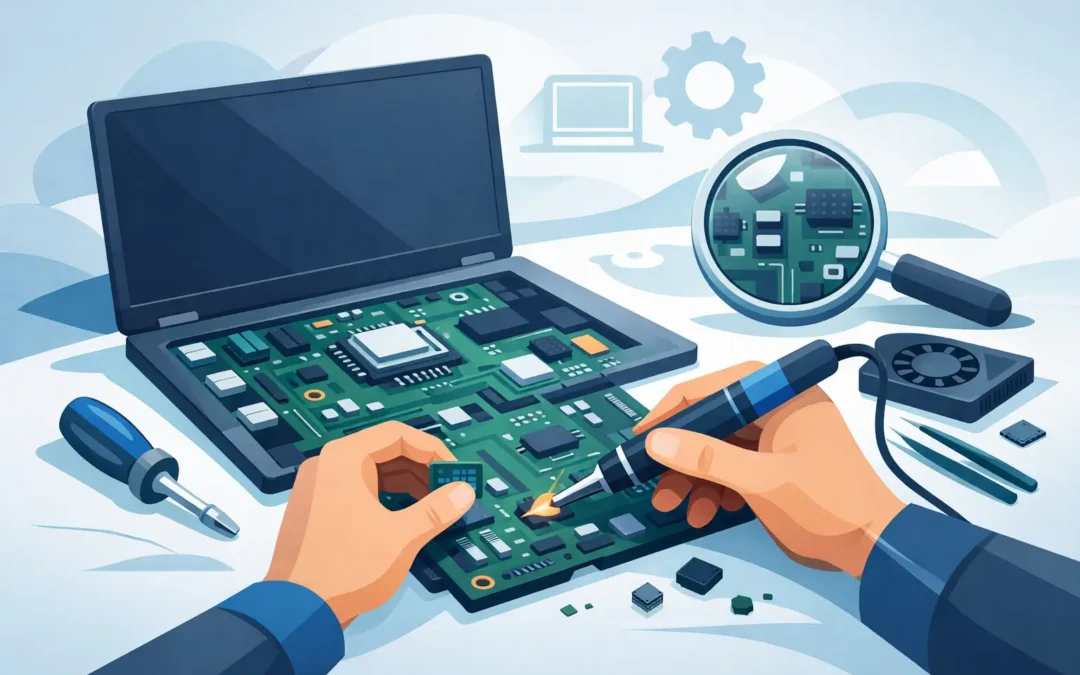
A laptop that suddenly will not charge, switch on, show a picture or recognise its USB devices can bring work and home life to a stop. Motherboard repair for laptops is often the right answer, but it is not a job to guess at. The motherboard controls almost every major function in your machine, so an accurate diagnosis is the difference between a sensible repair and spending money on the wrong part.
For London professionals, students and businesses, the priority is usually simple: get the laptop working again quickly, protect important files and understand the cost before approving work. Here is what a motherboard fault can look like, what repair involves and when replacement may be the better choice.
What does a laptop motherboard do?
The motherboard is the main circuit board inside a laptop. It connects the processor, memory, storage, display, keyboard, battery, charging system and ports. On many modern laptops, particularly slim Windows models and MacBooks, several components are soldered directly to it.
That design helps manufacturers make devices lighter and more compact, but it also means a small fault can affect the whole machine. A failed charging circuit may leave a perfectly good laptop unable to power up. A damaged display circuit can produce a black screen even when the laptop is running. A liquid spill can corrode tiny areas of the board and cause problems days or weeks later.
A motherboard issue does not automatically mean the entire board has to be replaced. In some cases, a trained engineer can repair the affected circuit or replace a damaged component. In others, board replacement is safer or more cost-effective. It depends on the fault, the age and value of the laptop, and whether compatible parts are available.
Signs you may need motherboard repair for laptops
Many symptoms that appear serious are caused by a battery, charger, screen, storage drive or memory module. That is why diagnosis comes first. Still, a motherboard fault becomes more likely when several functions fail at once or when the laptop has suffered liquid damage, a power surge or physical impact.
Common warning signs include a laptop that shows no power despite a known-good charger, switches on but has no display, repeatedly restarts, overheats without an obvious reason or fails to detect built-in devices. You may also find that charging has stopped, USB ports no longer work, the keyboard or trackpad behaves unpredictably, or the laptop only works at a particular angle.
A burning smell, crackling noise, excessive heat around the charging port or visible corrosion should be treated urgently. Turn the laptop off, unplug it and avoid repeatedly trying to start it. Continuing to apply power can worsen electrical damage.
After a spill, speed matters
Water, tea, coffee and fizzy drinks do not all cause the same level of damage. Clear water may leave less residue, while sugary or acidic drinks can create corrosion quickly. Even if the laptop seems fine after a spill, moisture may remain under chips and connectors.
Do not rely on rice or a radiator. Rice does not clean contamination from the board, and heat can cause further damage. A professional inspection and internal clean as soon as possible gives the best chance of limiting the repair and protecting your data.
How a proper diagnosis saves time and money
The best repair starts by ruling out simpler faults. An engineer should test the charger and charging port, inspect the battery, check for power reaching the board and assess the display, memory and storage. Where appropriate, they will use diagnostic equipment to identify a short circuit, failed power rail, damaged chip or corrosion.
This process matters because symptoms can be misleading. A dead screen can be a screen fault, a backlight fault, a loose cable or a board-level graphics issue. A laptop that will not boot may have a failed SSD rather than a motherboard problem. Replacing a motherboard without testing is expensive guesswork.
For business users, proper diagnosis also helps plan downtime. If the repair requires a replacement board, data can often be recovered from the existing drive first, depending on the device and whether encryption is enabled. For some modern laptops, storage is soldered to the board, which makes early specialist assessment even more valuable.
Repair or replacement: which is right for your laptop?
Board-level repair can be a good option where the fault is isolated. Examples include damaged charging circuits, blown capacitors, faulty power-management components, corroded areas after liquid damage and certain display or USB faults. It can preserve the original board and may cost less than sourcing a complete replacement.
Replacement can make more sense if the board has extensive corrosion, severe impact damage, multiple failed components or a processor-related fault. It may also be the practical route when a manufacturer-specific board is available at a reasonable price and the rest of the laptop is in good condition.
Age matters, but it should not be the only deciding factor. A three-year-old laptop with a good screen, battery and storage is often worth repairing, particularly if it meets your current needs. An older entry-level laptop may be less economical if the repair approaches the cost of a reliable replacement. The value of installed software, saved passwords, business setup and local files should also be considered, not just the purchase price.
Apple devices need particular care. MacBook logic boards are compact and highly integrated, so repair work requires the right tools, experience and parts knowledge. Equally, replacing a board can affect data access and device configuration. An Apple-certified engineer can assess the most appropriate route without adding unnecessary complexity.
What affects the cost of a motherboard repair?
There is no honest fixed price for every motherboard fault. Costs vary according to the laptop make and model, the location of the damage, the availability of parts and whether repair is possible at component level. Liquid damage can also be unpredictable: a board may need cleaning, testing and repair in more than one area.
The work needed may include diagnosis, board cleaning, micro-soldering, component replacement, a replacement motherboard, reassembly and full testing. A clear repair service should explain what has been found, what work is recommended and whether the cost is likely to change before proceeding.
Be cautious of an instant quote that promises a motherboard replacement without inspecting the laptop. A fast service should still be based on evidence. The goal is not simply to get a power light back on, but to ensure charging, display, ports, WiFi, keyboard, trackpad and stability are working properly afterwards.
Protect your data before and after the repair
If the laptop still starts, back up your files straight away. Use an external drive or approved cloud storage, and make sure important desktop folders, documents and photos are included. For business laptops, confirm that work files have been synchronised and that passwords or recovery keys are available.
If the machine will not start, do not assume the data is gone. Many laptops store files on a separate SSD that can be accessed or recovered. However, BitLocker, FileVault and other encryption systems may require the recovery key. Keep those details secure and tell the engineer if encryption is enabled.
After repair, take the opportunity to set up a dependable backup routine. A motherboard fault can happen without warning, whether from a spill, a failed charger, heat, wear or an electrical issue. A current backup turns an urgent hardware failure into a manageable inconvenience.
Getting your laptop back to work quickly
Before booking a repair, make a note of when the problem began, whether the laptop was dropped or exposed to liquid, and what happens when you press the power button. Bring the charger if possible. These details help an engineer narrow down the cause sooner.
A2z Computer Solutions provides same-day technical support across London, with help for Windows laptops, gaming PCs and Apple Mac devices at home or in the office. A careful assessment can establish whether the motherboard is at fault, whether your data is accessible and whether repair is worthwhile before you commit.
If your laptop has stopped working, avoid repeated restart attempts and get it checked promptly. The earlier a power or liquid-related fault is assessed, the more options you are likely to have – and the sooner you can get back to the work that cannot wait.